

Originally written for the engineering team at Better Stack.
A practical mental model
If you ever find yourself saying: “AI is not good enough yet to do [action]”, please automatically assume you’re wrong. It’s just practical to do so. It forces you to think “*how* do I make AI do this?”
AI is ready today, except for real-time video calls. So the odds are you just don’t know how to configure it properly.
Just because you installed Claude Code doesn’t mean you’re leveraging the full power of AI for software development.
Always be learning: specifically, keep asking other engineers to show you their CLAUDE.md.
What is “agentic engineering”?
It’s a combination of 2 things:
system prompt design = CLAUDE.md
agentic loop design
Is it just vibe coding?
No.
Vibe coding produces insecure throwaway code for your weekend projects. It’s ideal for prototyping. It replaced Figma as a tool to visualize ideas.
Agentic engineering produces secure, production-ready code that is of the same quality as code written by humans, or better.
Part 1: System prompt design = CLAUDE.md
The real software engineering today happens in your CLAUDE.md.
CLAUDE.md is the highest return-on-investment file in your entire codebase. If this is the first CLAUDE.md you’re writing, spend hours designing it: sentence by sentence.
Never have a personal, locally stored CLAUDE.md. Always share your CLAUDE.md with your entire team directly in Git in the codebase. CLAUDE.md is the new meta programming.
Dear engineering managers: for the first time in the history of software engineering, you can now directly influence what kind of code your human colleagues contribute! Historically, your only option would be to write a GitHub pull request review comment “Bob, please prefer to do X over Y next time”. Today, you just re-configure everyone’s CLAUDE.md instead. Your team will continue using Claude Code the same way and magically produce better code!
Signs that your CLAUDE.md is incorrectly designed
Claude will say “Exploring your code base to understand X…”
Your CLAUDE.md doesn’t have a ‘routing table’ section that would reference other markdown files for documentation, describe codebase components, and link to adjacent codebases.
Claude will say “Writing a memory about X…”
You haven’t configured Claude to write shared documentation in your codebase. This is problematic because your colleagues won’t be able to leverage the same agent memories when their agents run, so they’ll be running into the same mistakes you already did.
How to write your CLAUDE.md
Your CLAUDE.md must include 3 things:
Description: 1-sentence description of the codebase.
Rules: Behaviors the agent should and shouldn’t do
Routing table: References to where to find additional knowledge
Common mistake: Do not include specific knowledge in your CLAUDE.md. CLAUDE.md is for behavioral rules = meta programming in English; it’s not a place for product documentation.
Why? CLAUDE.md is your system prompt: it gets included at the start of every session of every sub-agent, always. Unless a particular fact is required for every single session, it doesn’t belong to CLAUDE.md. Irrelevant words in your CLAUDE.md can easily make your agents worse.
1. 1-sentence codebase description
Assume common sense and keep it concise.
“This is a Ruby on Rails + PostgreSQL + Redis backend for an iOS application that <…>.”
Don’t waste your tokens on general knowledge: No need to explain the Model-View-Controller pattern. Claude knows what a typical Rails codebase looks like.
2. Agent rules = meta-programming in English
Now the fun part. Personally, I find a properly designed CLAUDE.md to be way more impactful than an underlying model upgrade (e.g., Opus → Fable).
Below are a few fundamental rules I find incredibly helpful.
Do you use other tricks I haven’t mentioned here?
Please tweet at me at x.com/jurajmasar.
Rule #1: test-driven development
“Always use TDD: test-driven development”.
Thanks to TDD, your agents will keep getting better on their own as the codebase grows, feature by feature. The more tests, the more implicit rules for what the end result should look like.
Your agents are really good at writing very fast unit tests. They’re also amazing at selecting just the right subset of tests to run to validate a particular code change. You will thus see your agent launching tests on their own when implementing a new feature, detecting a failure and improving the code on their own, without any impact from you. That’s your first taste of an agentic loop! More on that later.
Even if a test is not executed, its definition alone describes how the software should work. When the agent loads the test file into the LLM context, it becomes implicit documentation for what the behavior should be.
Rule #2: 1-sentence class and method description
“Write a 1-sentence description on top of all classes and methods: Write a succinct but thorough summary of what a class or a method does right above its definition.”
In agentic coding, repetition is better than abstraction. The in-code documentation is helpful for humans interacting with the code, but, more importantly, it serves as an additional layer of context to ground the agent's execution.
Rule #3: Document non-trivial hacks
“Document all non-trivial hacks or monkey-patches directly in code if scattered among multiple files. Always reference the other related files.”
How does the agent know that a particular line of code is meant to be used with a different line of code in a different file? Excluding conventions, such as an MVC pattern, its only chance is to `grep` the code. But if grep doesn’t find it, it doesn’t exist. Mainly when using dynamic languages.
Hence if you don’t document directly in code in both files that these 2 lines serve the same purpose, that information will be forever lost. (It will be only implicitly stored in git commit history: the agent could theoretically find that the two lines were introduced in the same commit, but that’s way too much work so this fact will be missed unless the agent is specifically debugging an error and thinking with ultracode effort.)
Rule #4: Documentation
“Write end-user documentation to docs/user_documentation.md. Write a public API documentation into docs/api_documentation.rb, make it production-ready so that it can be directly shared with customers; don’t include internal information there. Write a high-level internal documentation about the implementation into docs/internal_documentation.md. Never write any local memories. You must include the memories in one of these documentation markdown files instead. If needed, create additional files in the docs/#{topic}.md directory and add them to git.”
Repetition over abstraction. More documentation means more grounding for future sessions. Every new session is smarter than the previous one.
The documentation must not live directly in your precious Claude.md as it doesn’t need to be loaded with every session. You never edit this documentation manually.
Rule #5: Conventions
“Naming conventions: Always say “Sign in”, never “Log in”. Always say “team members”, never say “colleagues” or “users”. Always say “Remove”, never say “Delete”. Always say “We’ll”, never “we will”. Always say “e-mail”, never “email”. [others]
UI conventions: The first <input> field on the page must always be focused when the page is loaded. All links going to hosts other than betterstack.com must always include target=‘_blank’ rel=‘noopener’ […]”.
Great products feel as if they were implemented by a single person. Consistency’s critical. You get a consistent product for free with agentic engineering, thanks to your Claude.md.
Rule #6: Examples of what great looks like
“When implementing a form, make the page look like monitors#index. (another existing page in the product). When implementing a landing page, make the page similar to betterstack.com/tracing. […]”
If you don’t tell the agent where to get inspiration, it will pick a random part of your product and draw inspiration from there. You should tell it to target the highest-quality parts of your product for imitation. Otherwise, it will imitate the average code in your codebase — which is a common frustration for teams blindly using Claude Code.
Rule #7: End-to-end feature testing
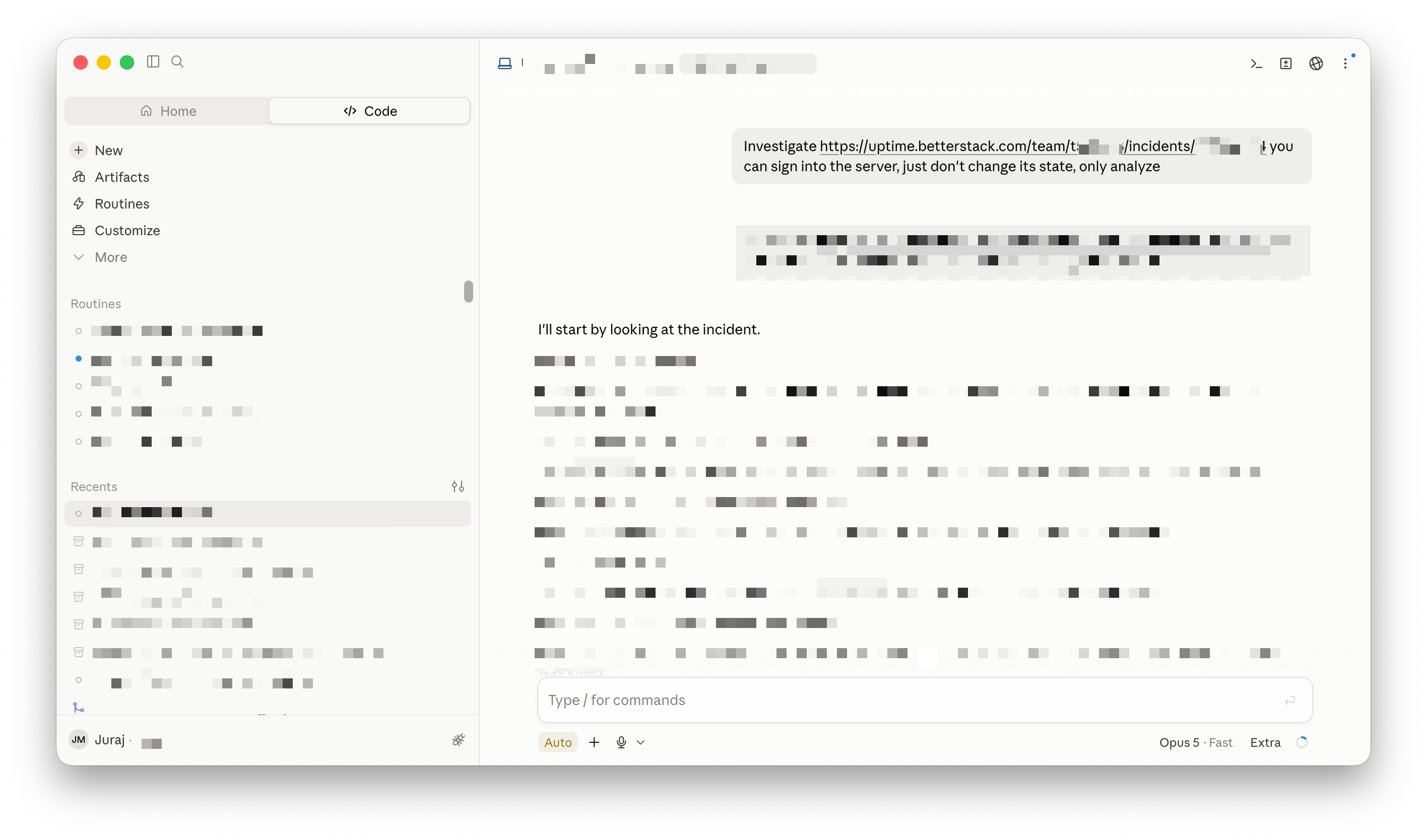
“After implementing a new feature, test it end-to-end with a browser by signing in as ‘juraj@betterstack.com’.”
Think of how you try the feature right after implementing it, and make the same possible for your agent. This is critical, and a common mistake with naive Claude Code set-ups: if the agent can’t try out the output of its work, it’s blind even to the most obvious implementation bugs.
Rule #8: Quality criteria
“Quality criteria: After implementing a feature, always ensure that every http request finishes end-to-end in 200 ms. Every page needs to be usable 250ms after load. Every page must be responsive and work in dark mode. Every page within /dashboard must be protected by authentication. Every feature must check for relevant RBAC flags. Regardless of what combination of links, forms or buttons the user clicks, even if illogical, the app must never return user-facing error 500: It should return a user-friendly error message instead and tell the user what to do differently.”
You get what you ask for. If you don’t explicitly say the app needs to be fast, its implementation will be allowed to bloat.
Rule #9: MCP access to production telemetry
“When debugging bugs, use the Better Stack MCP to access production error tracking, logs, and traces from source <url>. If prototyping a new feature, use the Better Stack MCP to access real-user monitoring data such as page views, and web vitals such as LCP.”
Telemetry tools often provide all the necessary context to 1-shot a bugfix. Generally be reluctant to add many MCPs as they waste your context, but do implement one from your observability provider. If they don’t have a robust MCP, change your provider.
Rule #10: Safety classifiers
“Never run a command on production servers without explicitly asking for permission first.”
Fable-like models can go out of their way to get the job done, even if it means `ssh`-ing to a server. This is fine, as long as you’re in control. The `auto` mode in Claude got really good these days, but in case someone in your team runs Codex, it doesn’t hurt to mention this explicitly in your Claude.md.
Rule #11: For HTML prototypes specifically
“Every .html page must be self-contained. Use Tailwind, don’t use any JavaScript framework.”
Allows you to have concurrent sessions 10+ on top of a handful of HTML files.
Other notable tricks for HTML prototyping:
Paste a PNG screenshot of an existing interface into Claude Code.
Use the Claude extension for Chrome and sign into your existing products. Then tell Claude: “Use design similar to page <url> opened in Chrome”
Agentic loop prompt for implementing designs: “Improve this HTML until the pixel drift from Figma is less than 1% of pixels.”
Bonus Claude tricks
Install & enable Claude extension for Chrome
Then sign in to that browser in your testing environment.
For OpenCode, Codex users: `ln -s CLAUDE.md AGENTS.md`
Someone on your team will inadvertently experiment with Codex or OpenCode. By default, harnesses other than Claude Code might ignore CLAUDE.md, so symlink it to AGENTS.md to prevent this.
Use Git for every project
Obvious but necessary to mention. The entire commit history over time provides additional context when debugging bugs, alongside useful tools such as Git bisect.
Directory-specific CLAUDE.mds in sub-directories
Large code base? Include a handful of directory-specific CLAUDE.md in sub-directories to explain the structure and conventions of a smaller pack. Combine with an approach similar to Packwerk from Shopify for the best results.
Advanced: Access to censored & read-only production data
It’s key context to debug production issues alongside production telemetry.
Needs additional engineering, depending on your tech stack. At Better Stack, we developed an equivalent to the `rails runner` command that automatically censors all passwords, tokens and sensitive PII.
Consider REST APIs over MCPs
MCPs can be great, and they can be terrible.
As an example, Linear’s GraphQL API is vastly superior to its MCP. Just tell Claude “Use Linear GraphQL API with this token <token> to…” and optionally link to its API documentation, and Claude will be able to use it without issues.
Sensitive testing data? Add CLAUDE.local.md to your .gitignore
Then include your personal tokens that will not be shared with your team. Querying credentials? Ask Claude to use 1Password command-line op utility.
3. CLAUDE.md Routing table
Add a markdown table or <ul> list into your CLAUDE.md with two columns:
“When looking for”
“Look into”
Tell Claude where to find adjacent information for
key parts of the current code base
related code bases, e.g. backend for this frontend
relevant external documentation
production telemetry
Whenever you see “Exploring your code base to understand X…” in the thinking chain, it’s your sign to expand your routing table.
General rules for writing your CLAUDE.md
Be succinct. Be explicit.
Use “good” and “bad” examples.
Your CLAUDE.md should get better over time
Never give your agents one-off feedback on its work.
If it did something wrong, tell it to:
“Remember in CLAUDE.md to always/never do X when Y.”
The real software engineering today happens in your CLAUDE.md.
If your CLAUDE.md is strong, your prompts will be short, simple, and straight to the point.
Part 2: Agentic loop design
What is an agentic loop?
It’s Claude Code working for hours unattended, checking its own work. Design your loops right and get a 100x productivity boost. Neglect them, and you’re back to ad-hoc real-time prompting.
How do you design an agentic loop?
You must tell the agent in CLAUDE.md or in your prompt the objective conditions for the output you want. Being vague is the ultimate sin. If you can’t describe what ‘great’ looks like, coding agents can’t build it.
A part of our CLAUDE.md we wrote above already includes aspects of an agentic loop design: the ‘quality criteria’ includes the requirements for page speed, following UI & naming conventions, and the unit tests written by the test-driven development all aid Claude Code to validate the quality of the output without additional input from you.
Example of an agentic loop:
End-to-end development of a new backend feature
Prompt #1 design document
“Write a design document to implement a managed load balancer into docs/design/load_balancer.md. Base it on HAProxy. The load balancer must be able to apply a new configuration with 0 downtime. Consider the attached screenshots of a competitor. Consider the public docs of competitors X,Y,Z. Interview me about key product choices.”
This is not a standalone prompt to run directly in Claude.ai. You should only run this directly in Claude Code, from the product codebase, after the CLAUDE.md from Part 1 has already been implemented. This will allow Claude Code to consider your existing code and tailor the product definition to your existing product.
Once finished, read through the markdown design file word-by-word and make 2-3 rounds of feedback. Don’t edit the markdown file directly; simply tell Claude, “Skip UDP load balancing, scope the feature with Packwerk,” and reread the adjusted design doc word by word until you’re happy with it.
Estimated Fable time: 30-60 minutes.
Estimated human review: 30-60 minutes.
Prompt #2: implementation
Fable in a new Git worktree:
“Implement docs/design/load_balancer.md”
Estimated Fable time: 1 hour
Review the created files, skim method signatures, don’t read the code line by line.
If there’s any structural mistake, improve your CLAUDE.md “Remember in CLAUDE.md to never add the most recent NPM package versions. Always fix the version explicitly to a package version that has been released already for at least a week to prevent supply chain attacks.”
If anything specific to this feature looks off, tell Claude: “Simplify the TCP healthcheck by….”
Deploy to staging.
Prompt #3: generate integration tests
“What are all the properties and features we need to test on staging to make sure 100% of the feature works? Combine them into as few integration tests as possible and write complete prompts I can use in different sessions. Write 1 naive integration test to be ran before all others to make sure the feature works at at all. Automatically debug issues using staging error tracking, logs and traces using the Better Stack MCP [or alternative] and open a pull request and ask me to re-deploy to staging before continuing testing.”
Estimated Fable time: 15 minutes
Prompt #4: naive integration test
Use Opus to run the naive integration test from the prior step to test the very basic functionality.
Estimated Opus time, no need for Fable: < 30 mins, expect 2-3 pull requests to get the feature to work at all.
Parallel prompts 5-15: copy & paste the integration test prompts from Prompt #3 and run them in parallel
Skim pull requests when opened, re-deploy to staging, ask the session “redeployed, continue”.
Estimated Opus time, no need for Fable: 2 hours.
Semi-attended. Expect 10-20 pull requests and staging re-deploys during this time. Could be unattended if you’re willing to let Claude Code redeploy to staging automatically.
Claude Code desktop UI with remote control in the iOS app works great for running multiple parallel long-running Claude Code sessions. Try it!
When all integration tests pass, you have something that:
“looks like a duck”: the design markdown looks great, so does the file/class structure and method signatures
“quacks like a duck”: the integration tests on staging work
A close to complete product in ~5-6 hours. Including customer-facing API documentation, product documentation, and internal technical documentation.
Appendix
Garry Tan’s talk on a related note
Keep iterating: delete your CLAUDE.md every 6 months
This is a request for comment
This is how we use agents at Better Stack. It’s one way of the highway, but definitely not the only way. Doing something different and it works great? Tell me at juraj@betterstack.com.
I once crafted a multi-agent workflow for writing code and it took 30 min to do a small task and blew my token limits, versus just 3 min if i prompted it myself. Sometimes i feel like wee fall into this hype trap of agentic coding that we overengineer because we want to see this agent run on its own complete tasks.